

Hands-on labs bridge the gap between theory and real production skills by letting you practice Linux, Kubernetes, troubleshooting, deployments, and automation in real environments.
Learning by doing builds the confidence and experience needed for interviews, certifications, and day-to-day engineering work.
Learn by Doing, Not by JUST Reading.
We've been heads-down building something we think you're going to love.
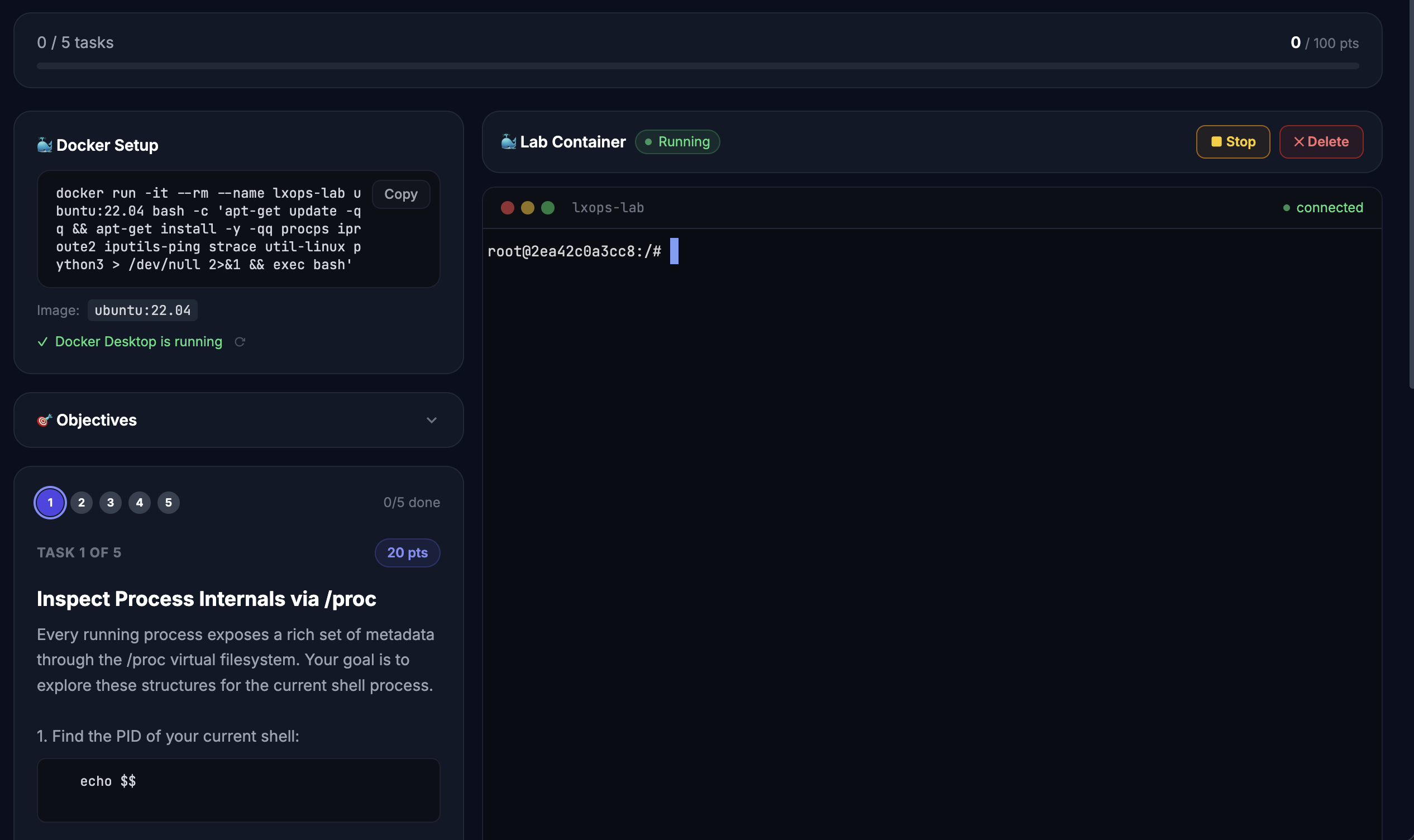
Today, we're launching LearnXops Labs — a new way to learn DevOps, MLOps, AI , Linux and more that puts you inside a real terminal, running real commands, inside a real Docker container. No VMs to set up. No cloud accounts to configure. Just open the app, click Launch Lab, and start working.
Every lab comes with:
- Step-by-step tasks with hints when you're stuck
- Task Verification — the app checks your work instantly
- Solutions you can reveal if you need them
- Points and progress tracking across your entire journey
50 Labs Available Right Now
We're launching with 50 labs across Linux, Kubernetes, Networking, AI & ML — with more categories coming soon.
🐧 Linux — 19 Labs
| Lab | Level | Time |
|---|---|---|
| Linux Fundamentals: Navigating the File System | Beginner | 45 min |
| Linux File System Navigation and Text Processing | Beginner | 45 min |
| Linux vi Editor Fundamentals | Beginner | 30 min |
| Linux SSH & SCP Fundamentals | Beginner | 30 min |
| Managing User Accounts and Permissions in Linux | Beginner | 30 min |
| Linux File Permissions and Process Management | Beginner | 50 min |
| Linux Command Mastery: File Permissions, Processes & System Exploration | Beginner | 60 min |
| Linux Core Concepts: Processes, Permissions, and Pipelines | Intermediate | 30 min |
| Linux Core Concepts: Processes, Signals, and System Internals | Intermediate | 35 min |
| Linux Core Concepts: Files, Permissions, and Processes | Intermediate | 30 min |
| Linux Core Concepts: Advanced Process, Signal & IPC Mastery | Intermediate | 45 min |
| Linux Package Management on Ubuntu | Intermediate | 30 min |
| Linux Networking Fundamentals | Intermediate | 30 min |
| Linux DNS: Configuration and Troubleshooting | Intermediate | 30 min |
| Linux IPTables: Configuring Firewall Rules | Intermediate | 30 min |
| Linux Cron Jobs: Automate Tasks with Cron | Intermediate | 30 min |
| Linux Storage Filesystems | Intermediate | 35 min |
| Linux systemd Services: Advanced Service Management | Advanced | 30 min |
| Linux Troubleshooting: Diagnosing and Resolving Common System Issues | Advanced | 45 min |
🐳 Docker — 9 Labs
| Lab | Level | Time |
|---|---|---|
| Docker Basic Commands: Container Management & Operations | Beginner | 30 min |
| Docker Run: Master the docker run Command | Intermediate | 30 min |
| Docker Images: Building and Managing Custom Images | Intermediate | 30 min |
| Docker CMD & ENTRYPOINT: Understanding the Difference | Intermediate | 30 min |
| Docker Networking: Bridge Networks and Container Communication | Intermediate | 30 min |
| Docker Storage: Volumes and Bind Mounts | Intermediate | 30 min |
| Docker Compose: Multi-Container Application Orchestration | Intermediate | 30 min |
| Docker Registry: Store and Share Container Images | Intermediate | 35 min |
| Docker Environment Variables | Intermediate | 30 min |
☸️ Kubernetes — 8 Labs
| Lab | Level | Time |
|---|---|---|
| Kubernetes kubectl Commands: Hands-On Fundamentals | Beginner | 30 min |
| Kubernetes Pods: The Smallest Deployable Units | Beginner | 30 min |
| Kubernetes ReplicaSets: Ensuring Pod Availability and Scaling | Intermediate | 40 min |
| Kubernetes Services: Networking and Service Discovery | Intermediate | 45 min |
| Kubernetes Deployments: Managing Application Lifecycle and Updates | Intermediate | 30 min |
| Kubernetes Rolling & Rollback Updates | Advanced | 45 min |
| Kubernetes Horizontal Pod Autoscaler (HPA) in Action | Advanced | 45 min |
| Kubernetes DNS Management | Advanced | 45 min |
🤖 AI & LLMs — 9 Labs
| Lab | Level | Time |
|---|---|---|
| Artificial Intelligence Basics | Beginner | 30 min |
| Machine Learning Basics | Beginner | 30 min |
| LLM Basics: Building Your First AI Text Pipeline | Beginner | 30 min |
| LangGraph Basics: Building Your First Stateful AI Workflow | Beginner | 30 min |
| HuggingFace Basics: Your First AI Models | Beginner | 30 min |
| LangChain Introduction: Building Your First AI Chain | Intermediate | 30 min |
| Run Open Source LLMs Locally with Ollama | Intermediate | 45 min |
| Model Context Protocol - Introduction | Intermediate | 40 min |
| RAG Basics: Build a Retrieval-Augmented Generation Pipeline | Intermediate | 45 min |
⚙️ MLOps — 5 Labs
| Lab | Level | Time |
|---|---|---|
| MLflow and Model Registry: Track, Log, and Register ML Models | Beginner | 30 min |
| Vector DB Basics | Beginner | 30 min |
| MLOps CI/CD Pipeline Fundamentals | Intermediate | 30 min |
| Drift Detection & Monitoring in ML Pipelines | Intermediate | 45 min |
| Mini RAG Lab using Ollama and Small Model | Advanced | 45 min |
How It Works?
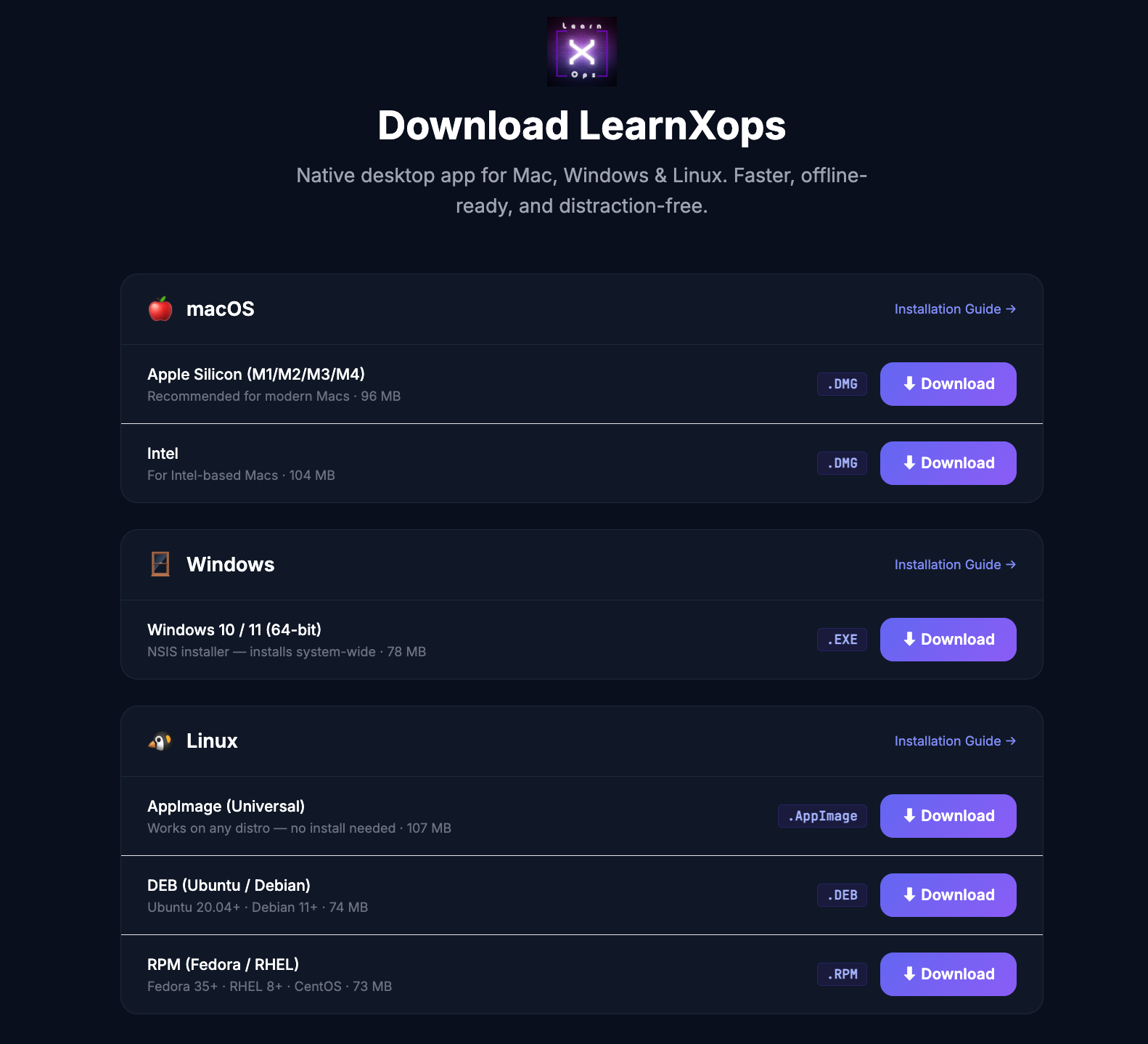
- Download the LearnXops desktop app — Labs run locally in Docker containers managed by the app. No cloud required.
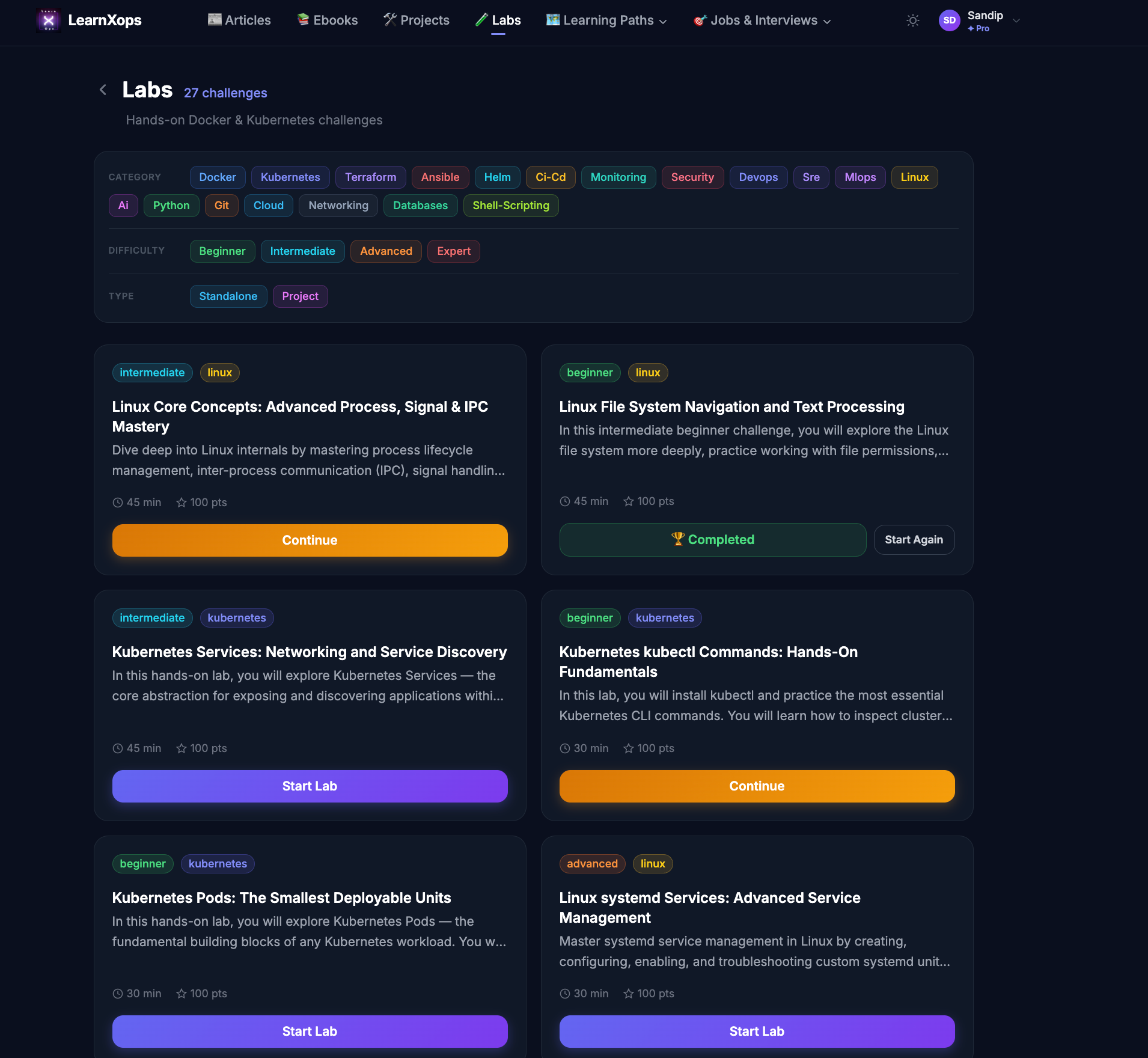
2. Pick a lab and click Launch — A fresh Docker container spins up in seconds. Your terminal is ready.
3. Follow the tasks, earn points — Complete each task, verify your work automatically, and build your skill profile.
Available on macOS, Windows & Linux
Ready to Start?
Not a Pro member yet? Upgrade here →
More labs are coming soon — Stay tuned.
Member discussion